WiFi
Centralized visibility for professional access networks, connected devices and site operations.
NETWORK MANAGEMENT
A single portal to supervise and manage your WiFi, LTE/5G, WiMesh® and HyMesh® networks.
01 / ONE MANAGEMENT PORTAL
From a WiFi access point to a mobile mesh fleet, MeshTool Cloud brings network visibility and remote administration into a shared workspace.
Centralized visibility for professional access networks, connected devices and site operations.
Monitor compatible cellular equipment and the connectivity of remote sites.
Follow mesh nodes, radio links and topology across fixed and mobile networks.
Bring hybrid networks and their available uplinks into the same operational view.
Organize networks by customer and site, then move from a global overview to the details of an individual device. Available functions depend on device model, firmware and deployment.
02 / EXPLORE MESHTOOL CLOUD
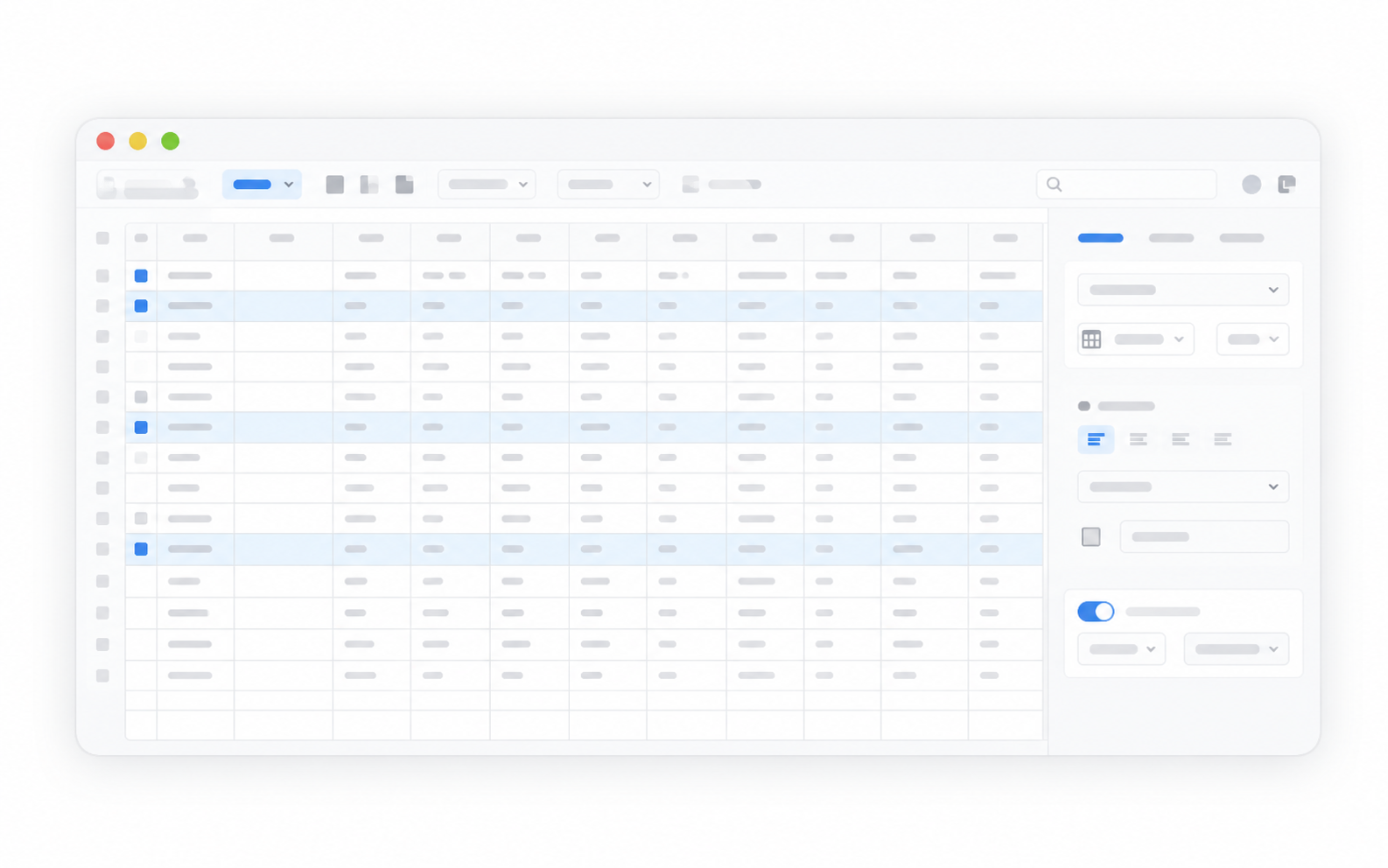
Explore the interface views below, from network-wide status to device details and VPN administration.
01 / 06
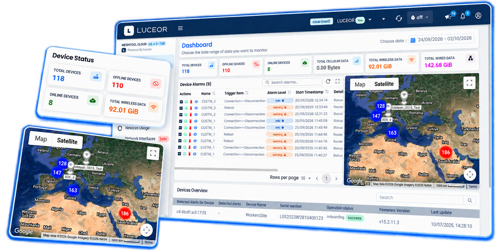
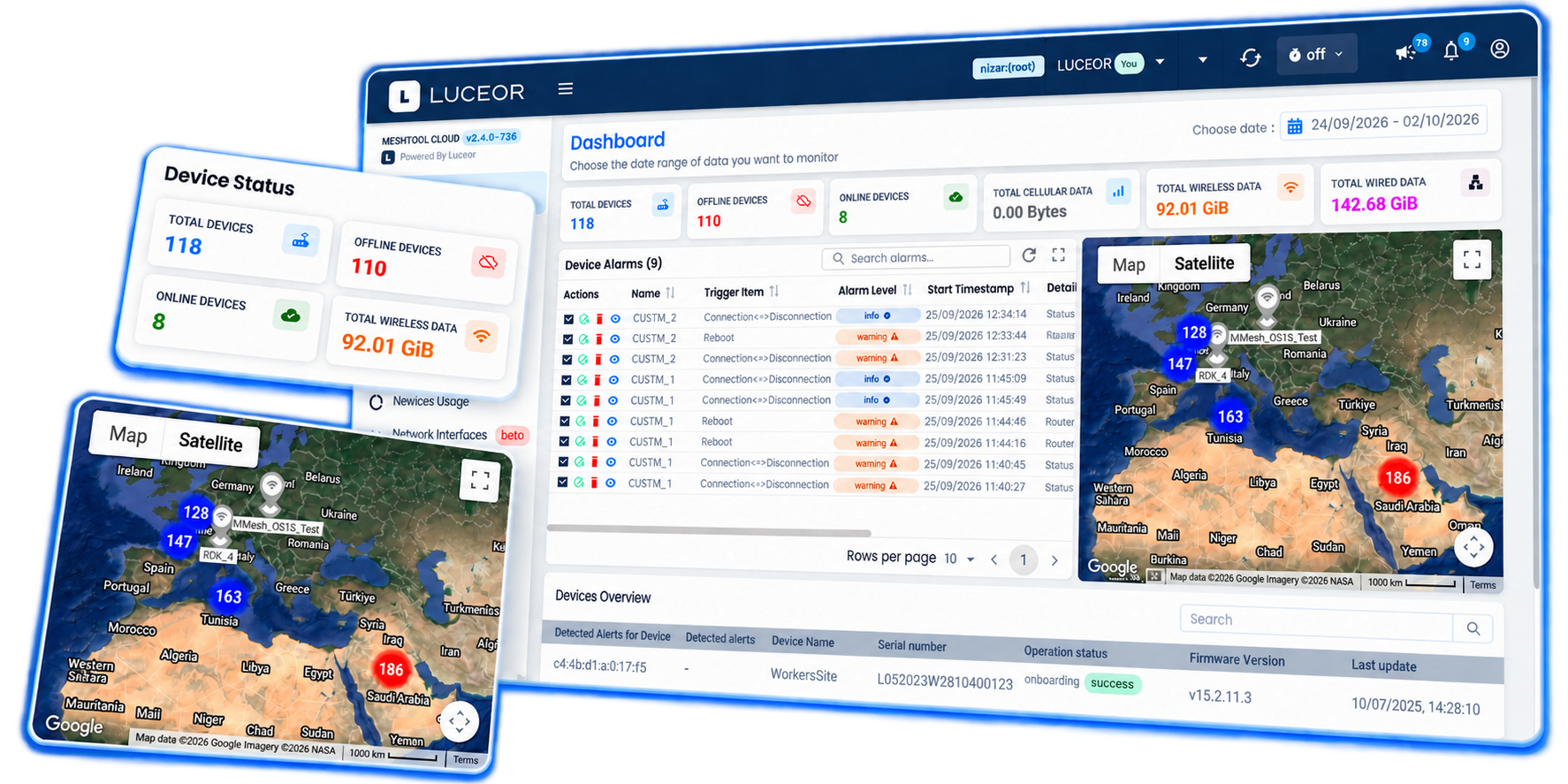
Bring device status, alarms and geographic context into one dashboard. Start with the overall picture, then focus on the equipment that needs attention.
Product interface views. Select a tab to explore.
03 / DAILY NETWORK OPERATIONS
Give operators a central place to monitor sites, investigate events and maintain equipment. Keep configuration work and operational context close together.

Register devices, assign them to customers and organize access for the people responsible for each network.
Manage device configurations and firmware. Plan updates and retain a history of user operations.
Use alarms, availability history, geographic information and traffic statistics to investigate events and guide interventions.
04 / SECURITY & INTEGRATION
Support the operational boundaries between customers, users and networks, while connecting management data to your existing tools.
Manage secure connections and certificate assignment as part of your network administration.
Operate across multiple customers with dedicated network contexts and controlled user access.
Integrate MeshTool Cloud with third-party applications and network supervision systems.
PLANNING YOUR DEPLOYMENT
MeshTool Cloud is the common management portal for LUCEOR WiFi, LTE/5G, WiMesh® and HyMesh® deployments. The available controls and telemetry depend on the equipment and software configuration.
Yes. Multi-tenant management organizes customers and users within the platform, with device assignment and access authorization for their network contexts.
REST APIs and SNMP v2 / v3 support integration with third-party applications. LUCEOR can review the data, workflows and hosting requirements for your project.
LET’S DISCUSS YOUR NETWORK
Tell us about your sites, equipment and operational priorities. We will help you define the right management scope and arrange a demonstration.